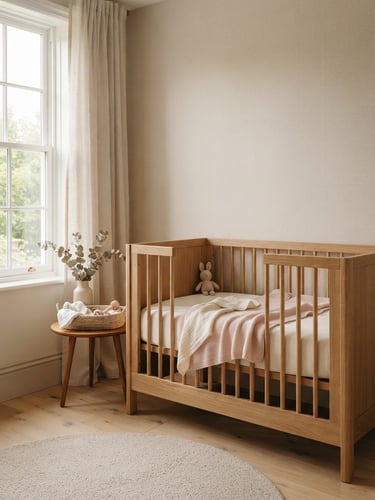
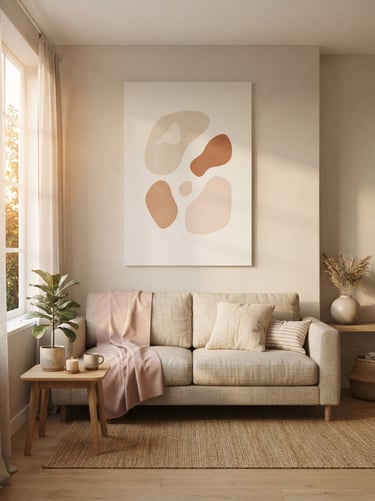
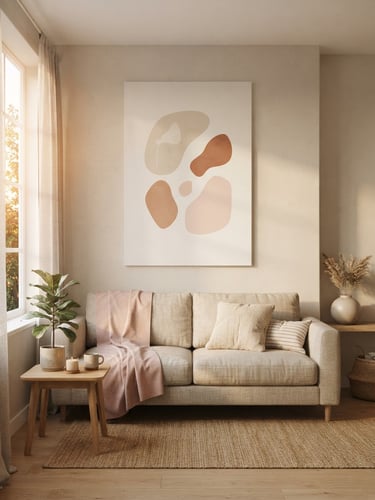
Designed for your creative flow
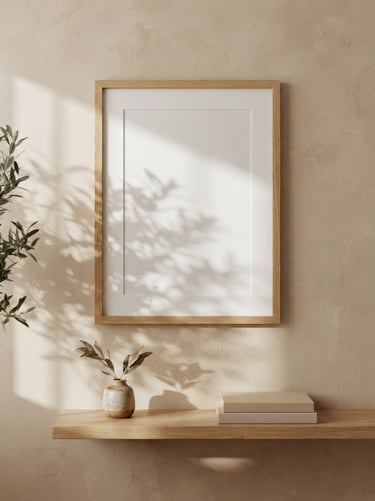
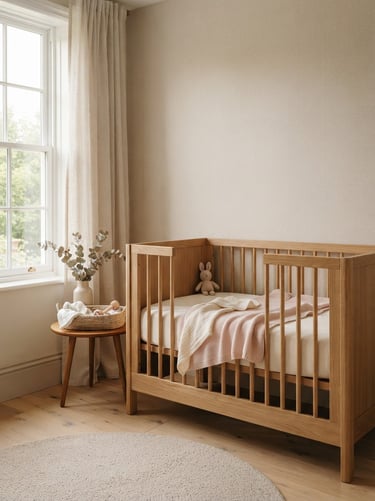
Learn how our high-resolution, smart-object mockup bundles integrate with Photoshop, Procreate, and Photopea to showcase your art in sun-drenched, curated interiors.
Frequently asked questions
Find clear answers regarding file compatibility, smart objects, and listing setup so you can purchase with complete confidence.
How do I insert my artwork?
Can I use Procreate or Photopea?
Each mockup features a dedicated Photoshop Smart Object layer. Double-click the smart layer, drop your digital file inside, save, and watch your art wrap realistically.
Yes, absolutely. Our high-resolution PSD files are fully compatible with Procreate on iPad and the free browser-based editor Photopea, preserving all lighting overlays.
What file formats are included?
Are the rooms customizable?
Every bundle delivers layered PSD files with smart objects, plus high-resolution flat JPEG files (300 DPI) for quick overlays in Canva or basic editing apps.
To maintain the lived-in elegance and organic morning light, the background room elements are fixed. You can easily toggle frame styles and adjust artwork opacity.
Three-click staging
Download instantly
Drop your artwork
Publish and sell
Access your layered PSD files immediately after checkout on Etsy.
Double-click the smart object layer and insert your painting or print.
Export your high-resolution listing image and watch your conversions climb.
Try a sample in your shop
Download a free, high-resolution minimalist frame mockup to test the smart-object compatibility in Photoshop or Procreate.
Katiko Studio
Lived-in elegance for digital art listings.
Home-Mockups-About-Journal-FAQ-Free Mockup
Find us
hello@katikostudio.com
Etsy: KatikoStudio
Pinterest: @katikostudio
© 2026 Katiko Studio-Curated room staging for digital artists.
Lived-in elegance